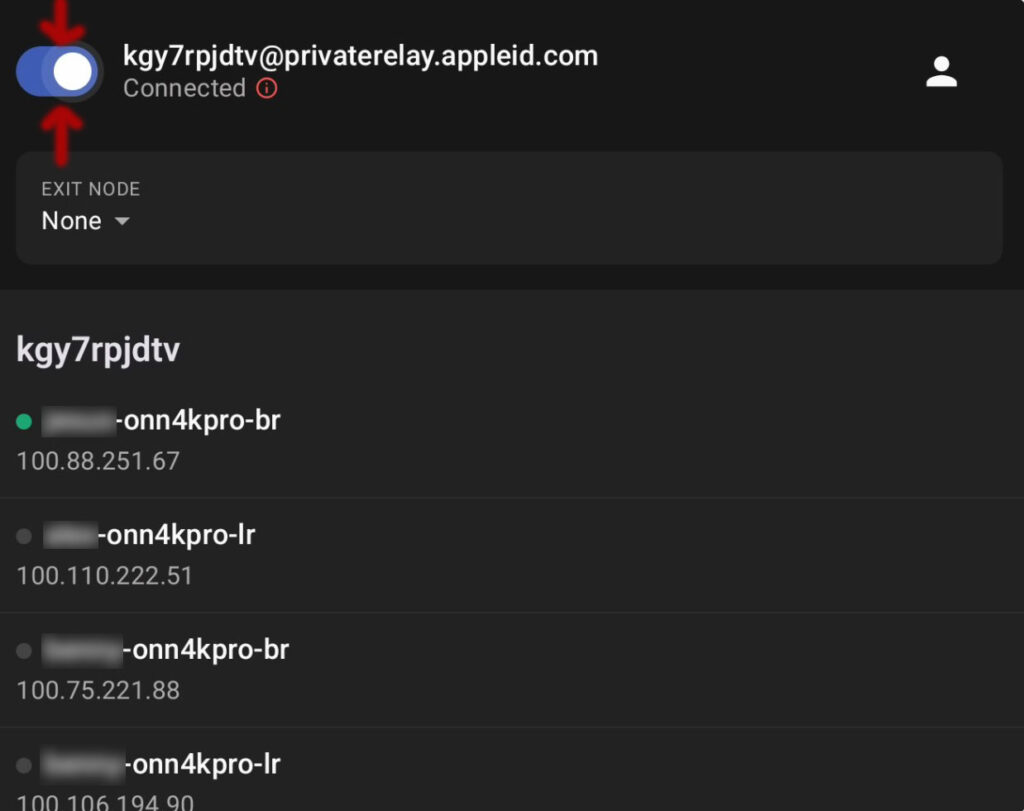
TailScale
(Remote Control)
How to turn On
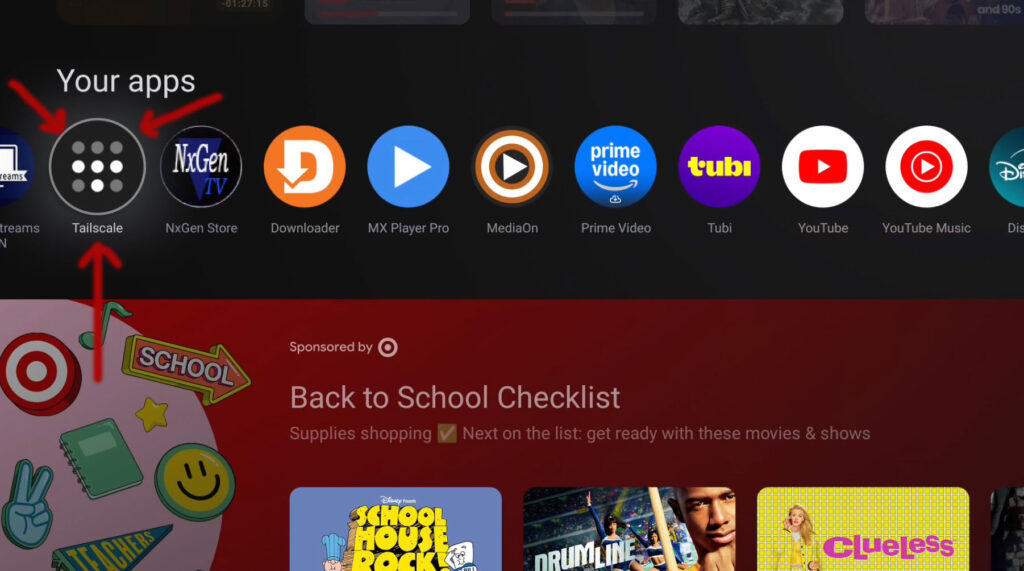
- Navigate down to your list of Apps on your Onn. 4K Pro box
- Click on “Tailscale” app once, which turns on remote
- New window. Click Top Left button so it is turning BLUE!
- This turns ON & OFF remote control
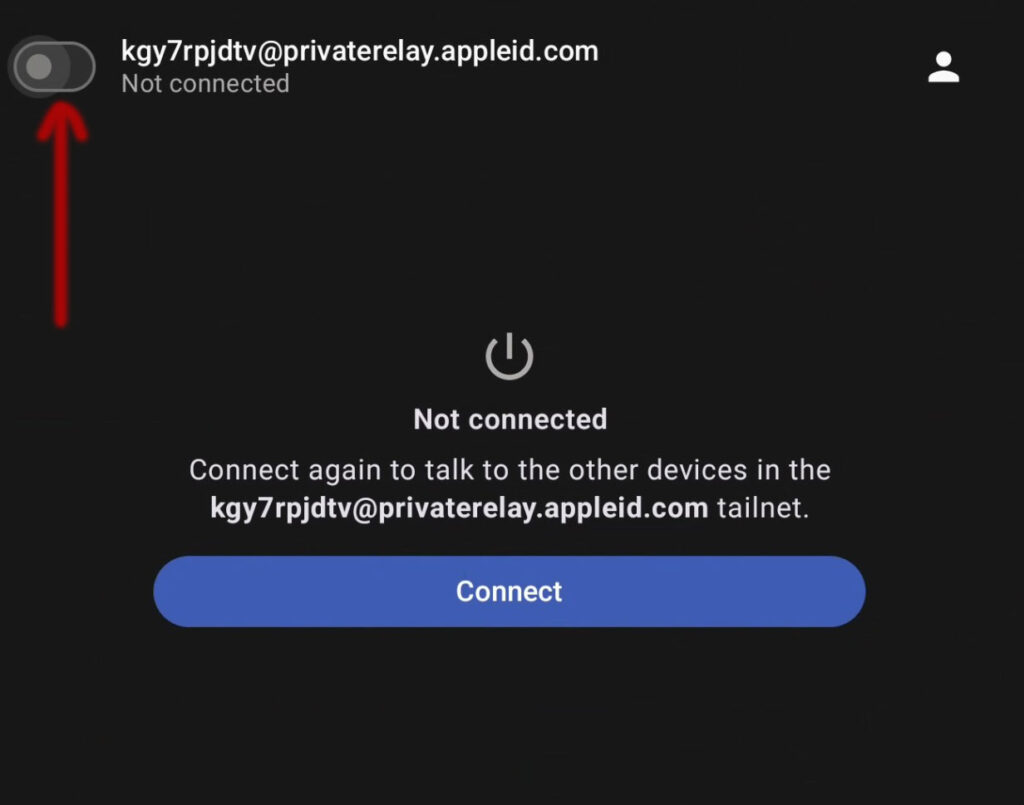
- Once turned BLUE inform me by TEXT and I can take over!