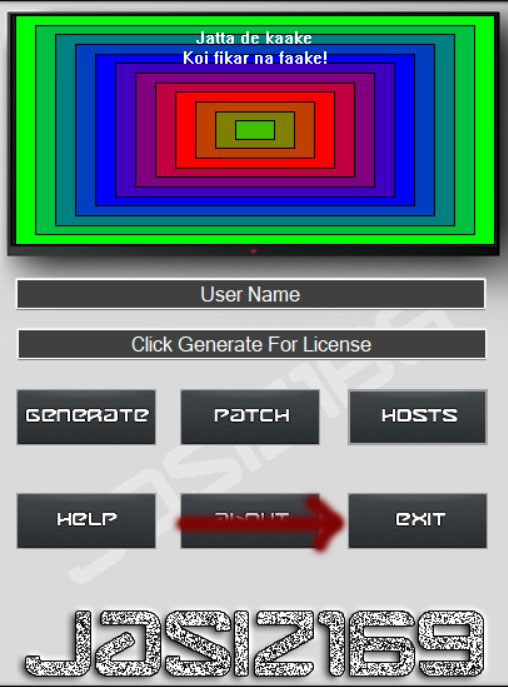
Net Limiter Enterprise v 4
Anti-Virus
Step 1 – Turn off <Anti Virus>. If you have anything besides “Windows Defender” you will need to figure that on your own.
– Reason turning off Anti-Virus to prevent a false positive during install. Anti-Virus will be turned back on after done.
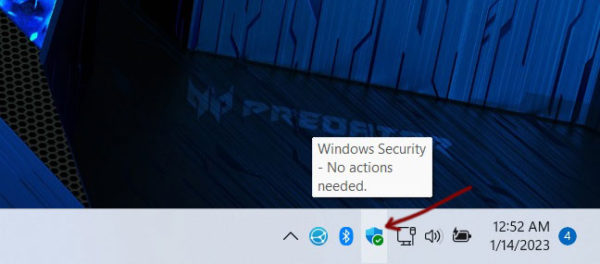
Step 2 – Bottom right there is a icon. This is “Windows Defender”
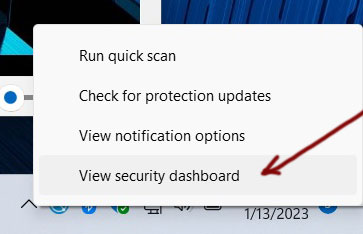
Step 3 – Right Click over that icon and choose “View security dashboard”
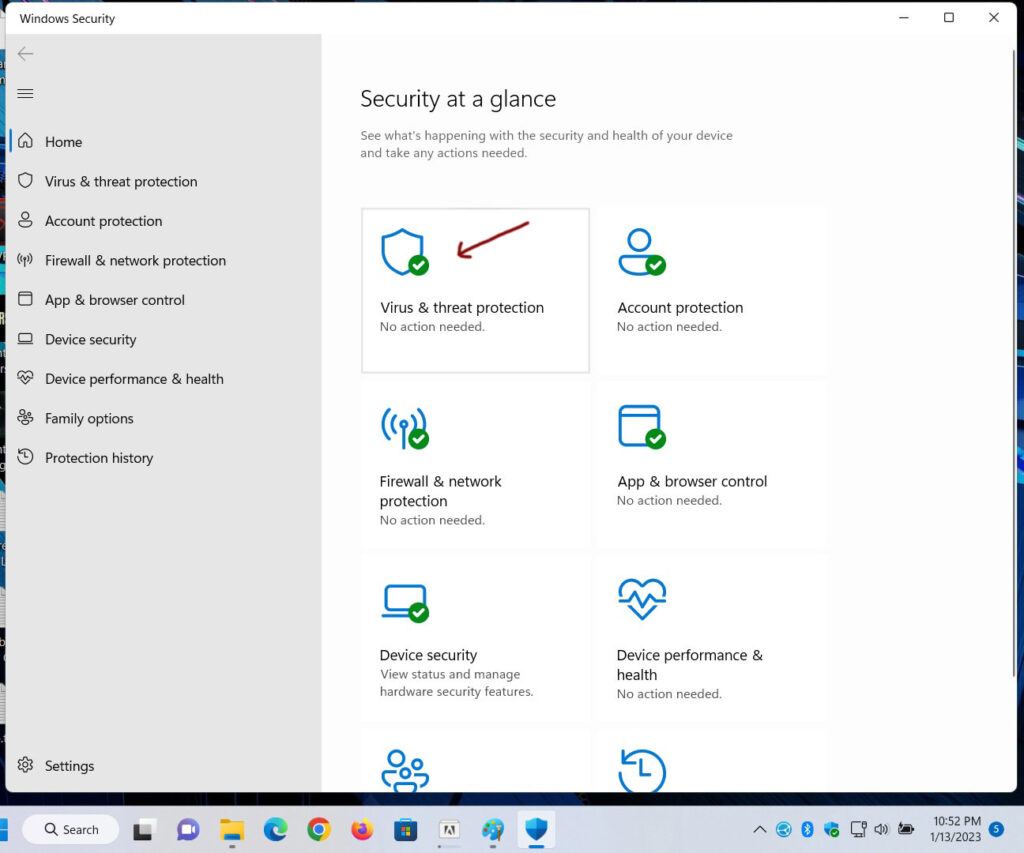
Step 4 – Click on “Virus & threat protection”
Step 5 – Click on “Manage settings” under <Virus & threat protection settings>
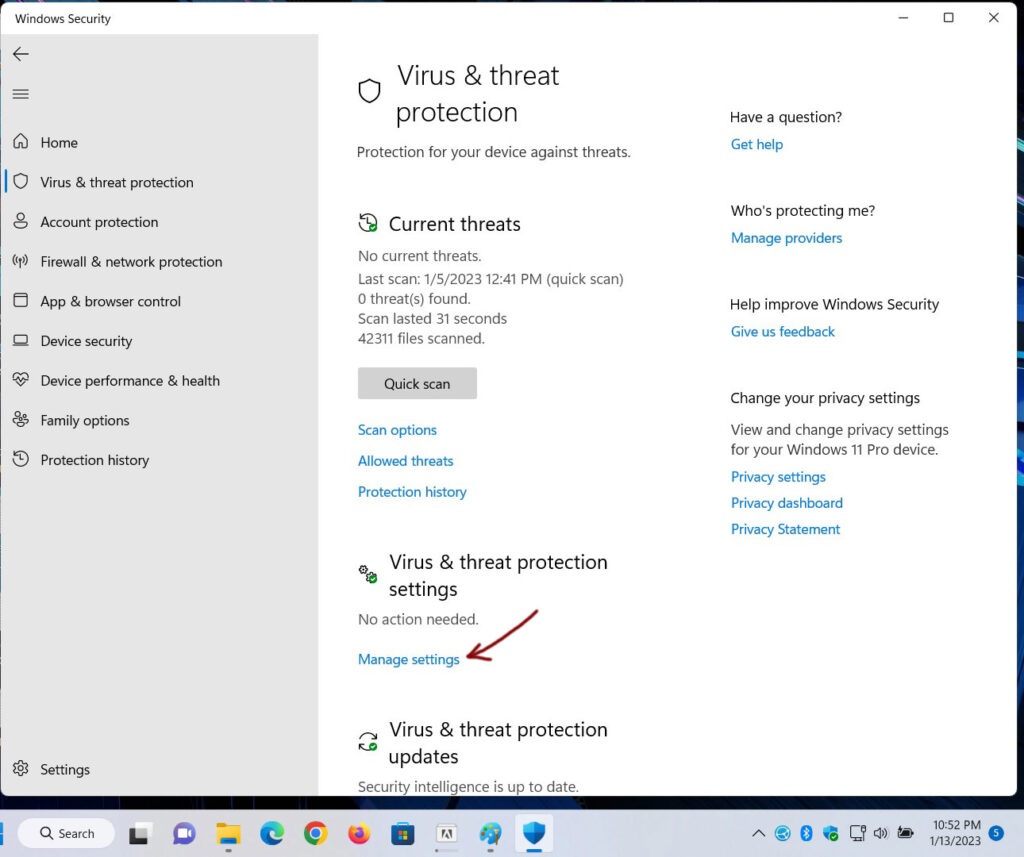
Step 6 – <Virus & threat protection settings>
Step 5 – Turn off “Real-time protection“, Turn off “Cloud-delivered protection“,
Step 5+ – Turn off “Automatic sample submission“, Turn off “Tamper protection”
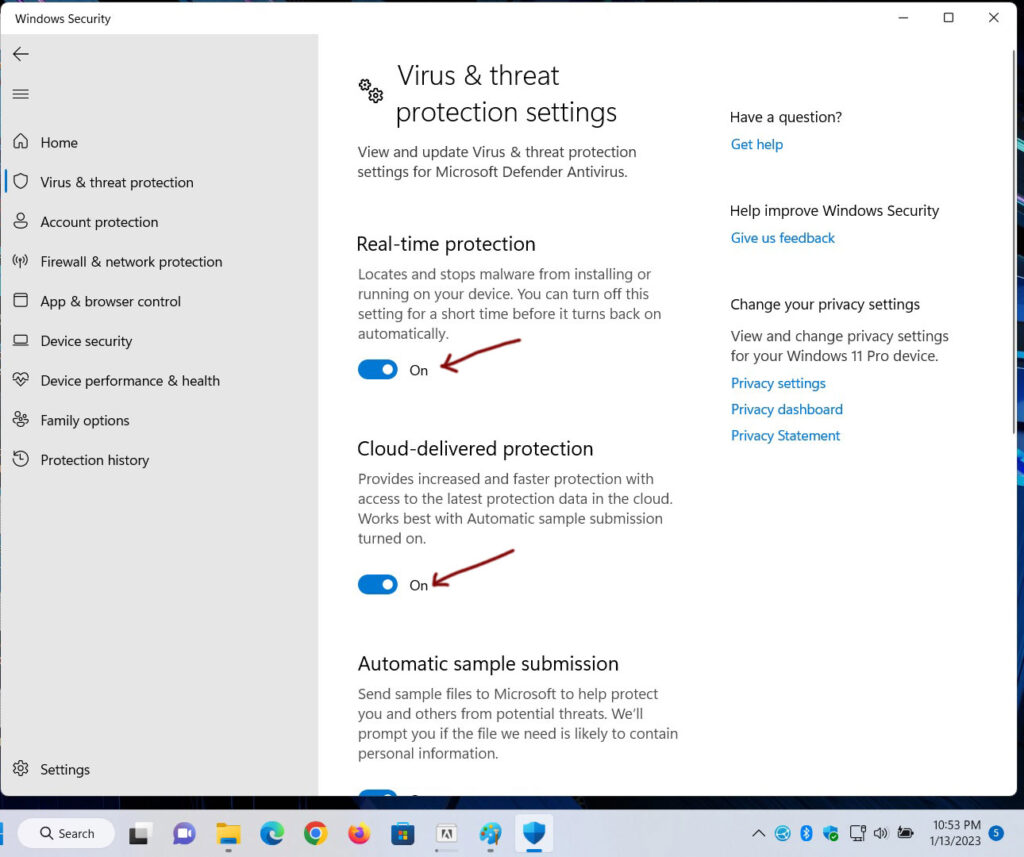
Now should be this
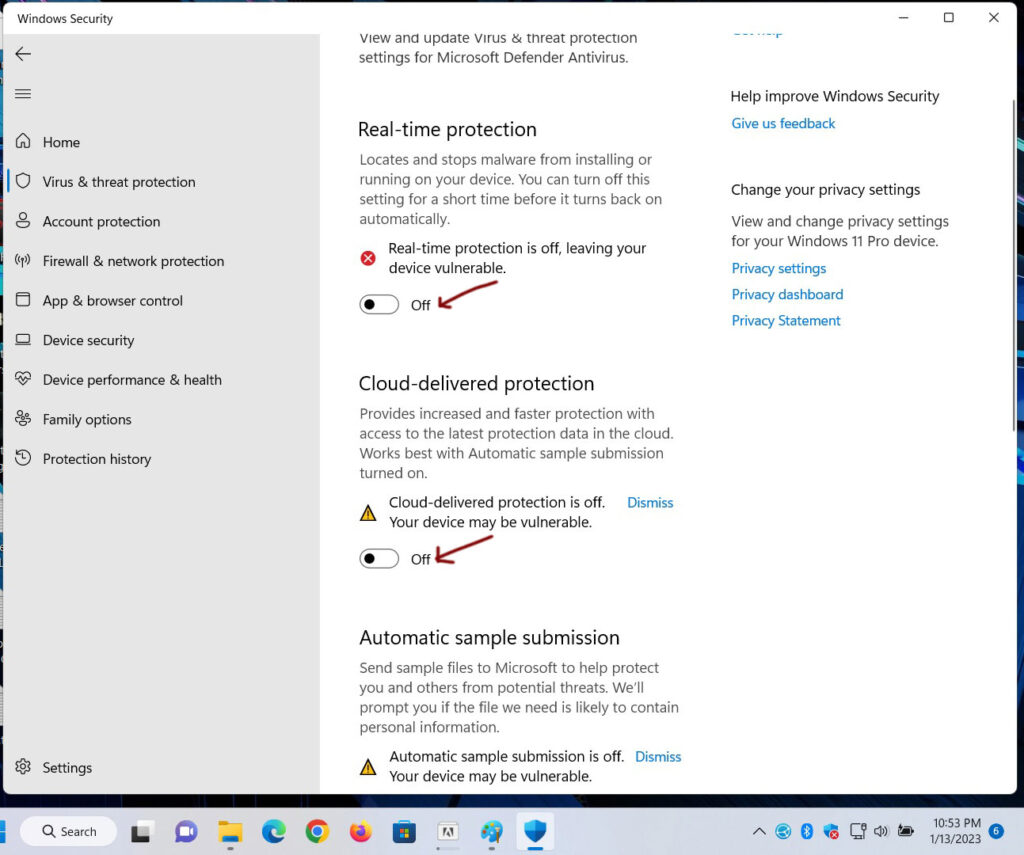
Done
WinRAR v6.22
- If already installed skip this part.
- If not already installed continue following instructions
- WinRAR is a extraction tool for extracting files from downloads
- Download WinRAR from this link
- Right Click on the zip file. Click on “Extract All…“
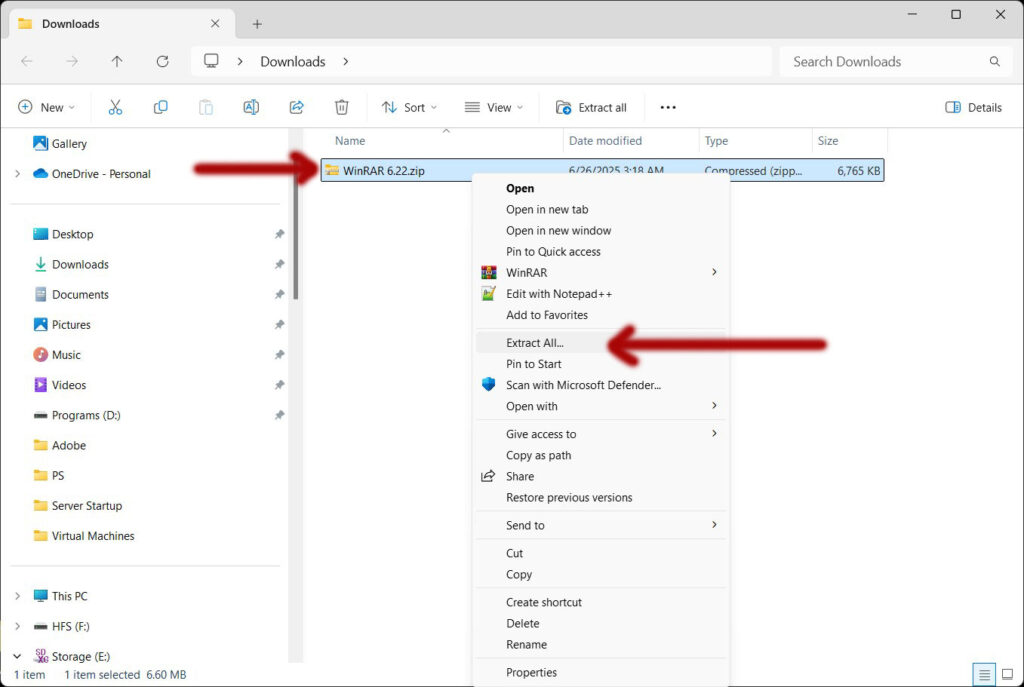
- New pop up window! Click on “Extract“
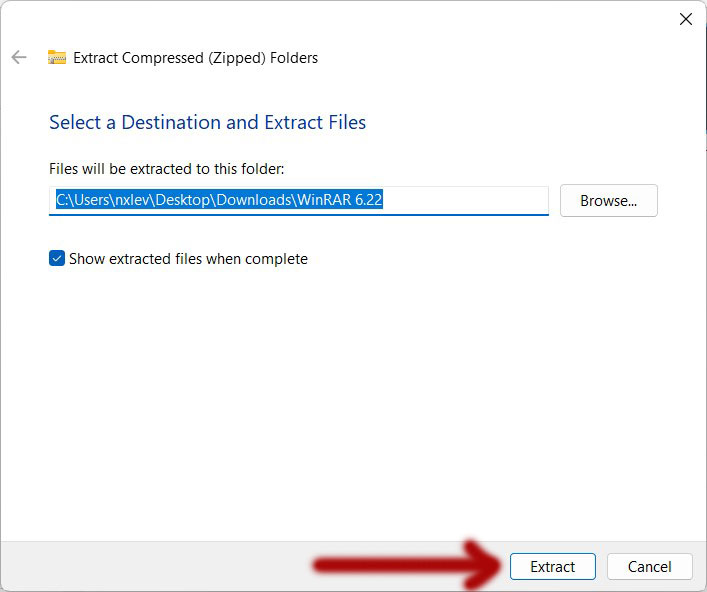
- New folder appears “WinRAR 6.22“
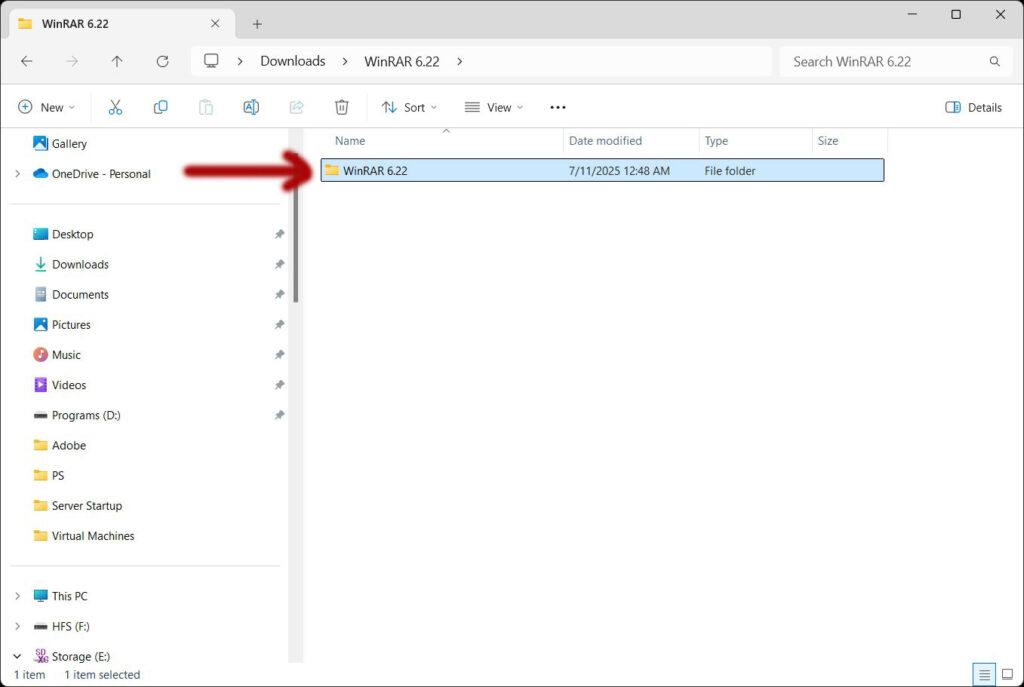
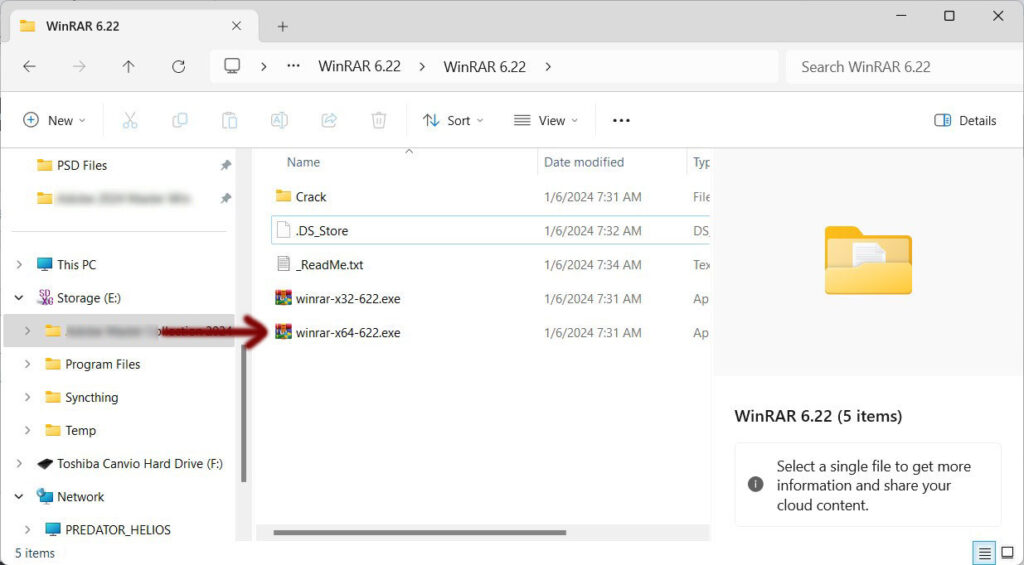
- Open WinRAR 6.22 folder. Highlight and Click on “winrar-x64-622.exe” to begin install
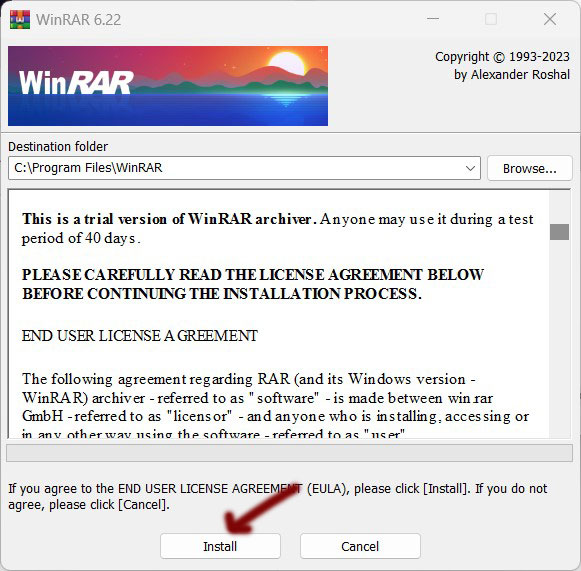
- New window appears “WinRAR 6.22“. Click “Install”
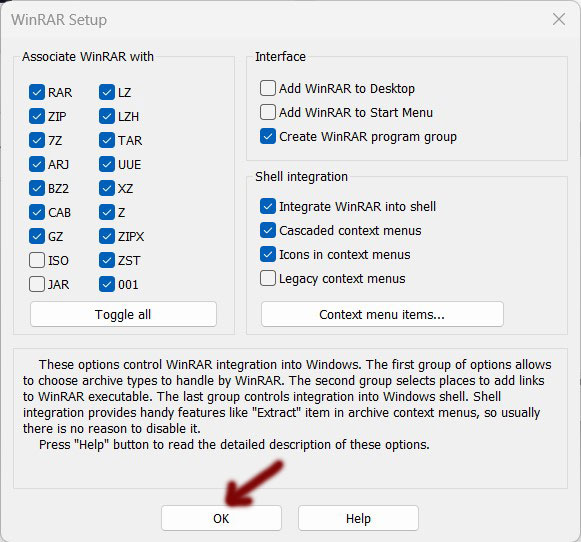
- Next window appears “WinRAR Setup“. Click “OK”
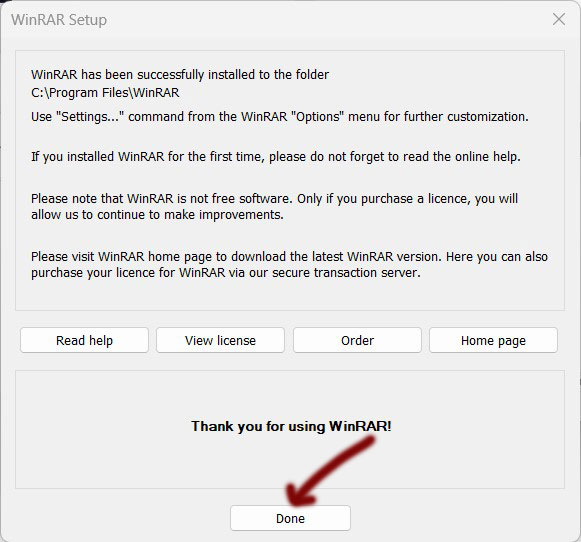
- Next window appears “Thank you for using WinRAR!“. Click “Done”
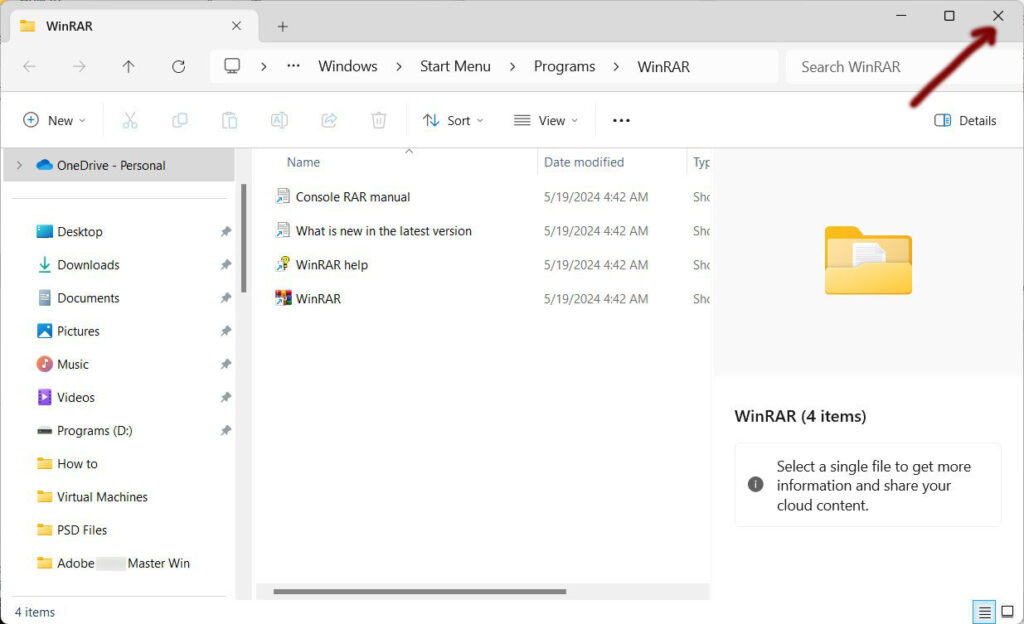
- New window appears “WinRAR“. Close “Window”
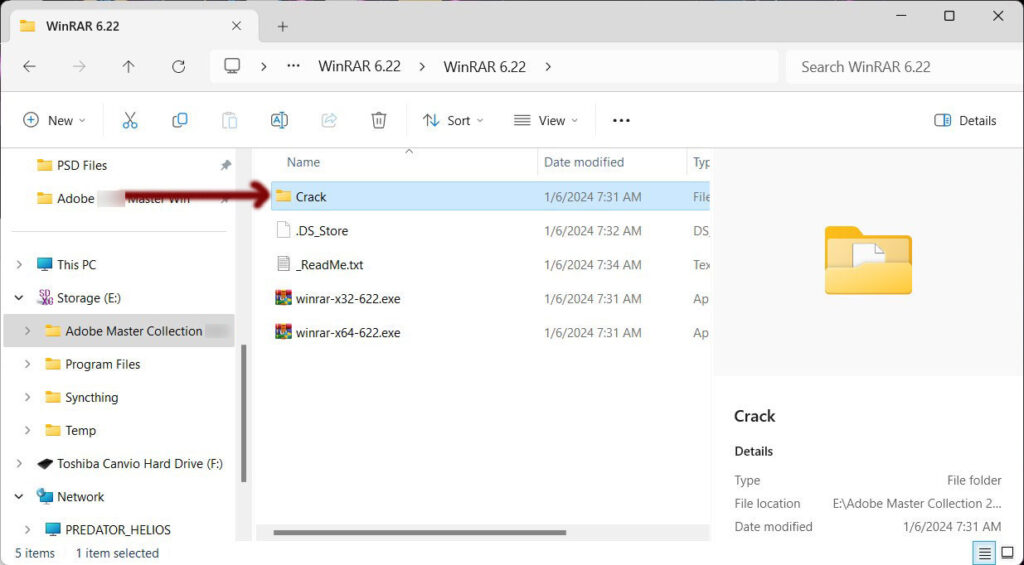
- Back to window “WinRAR 6.22“. Open “Crack” folder
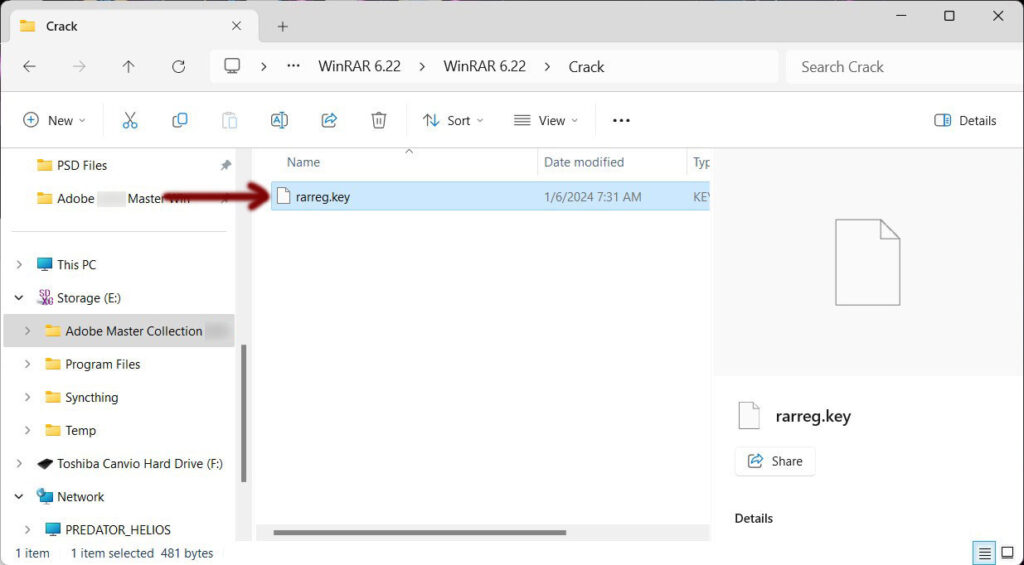
- Copy the file “rarreg.key”
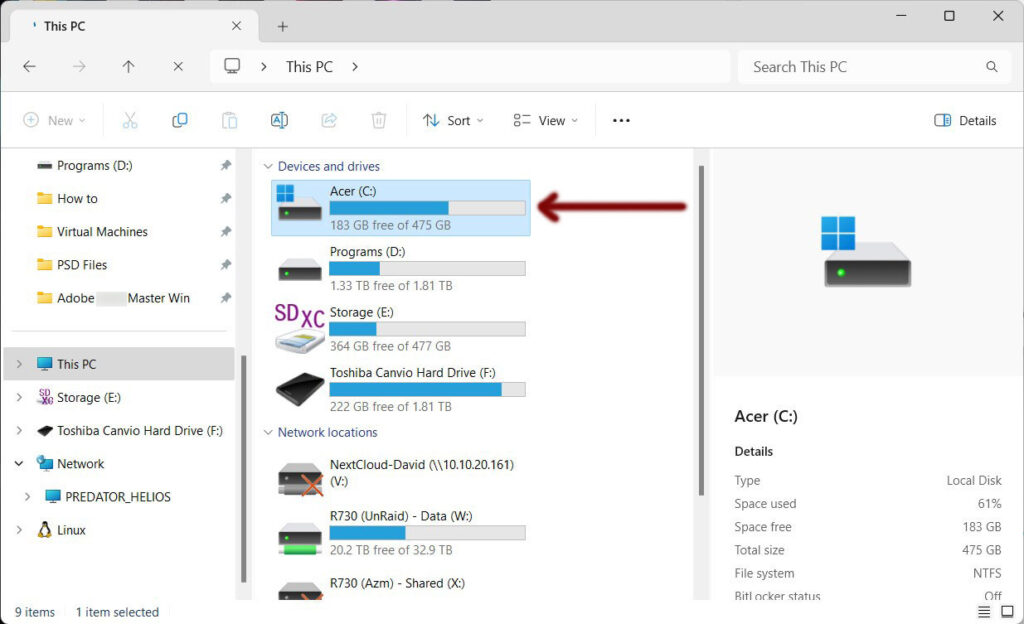
- Navigate to your C drive and open
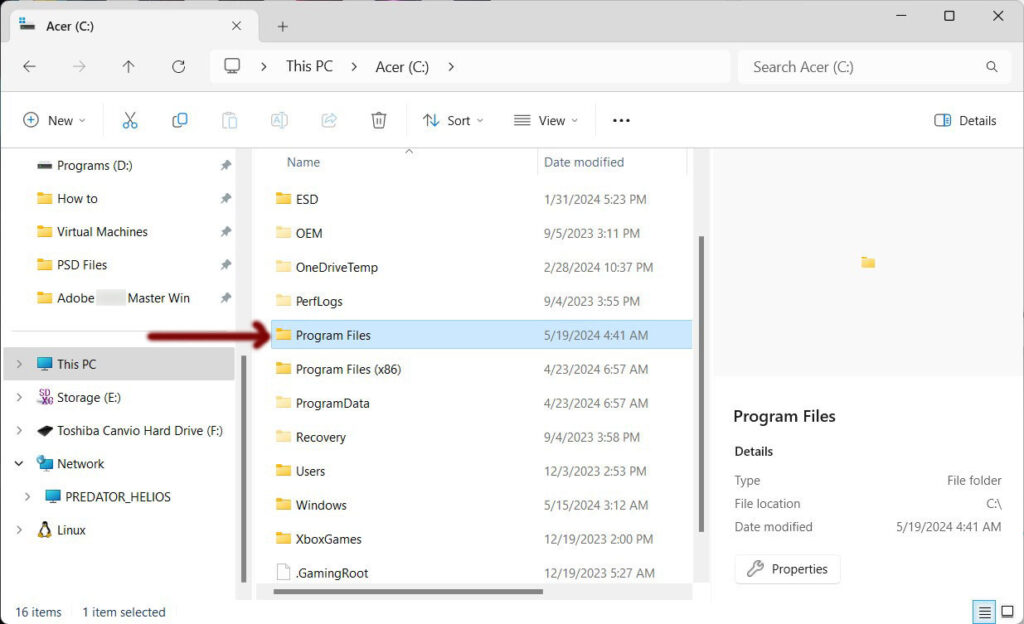
- Navigate to “Program Files” and open
- Navigate to “WinRAR” and open
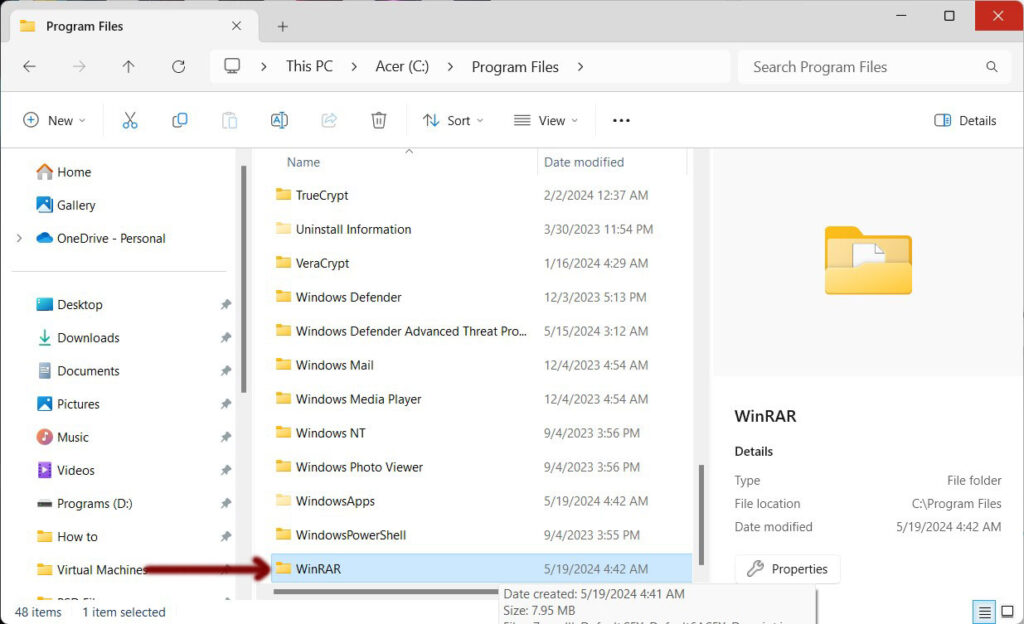
- Paste the file “rarreg.key” to this directory
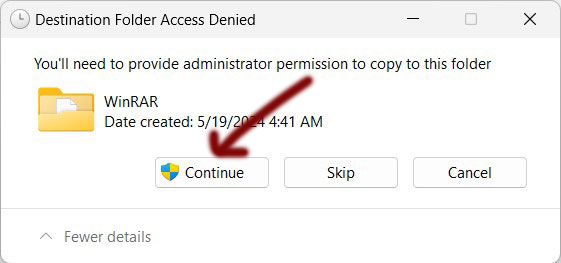
- Popup “administrator permission” required. Click “Continue”
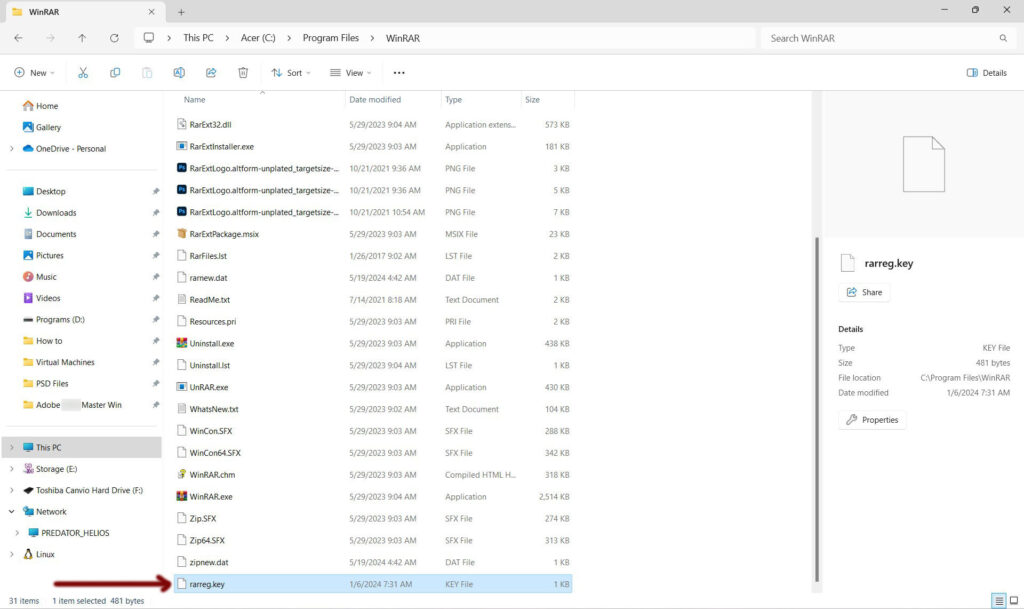
- “rarreg.key” is now in the folder (As Shown Below). Done. Close window
NetLimiter Pro v5
- Download from this link
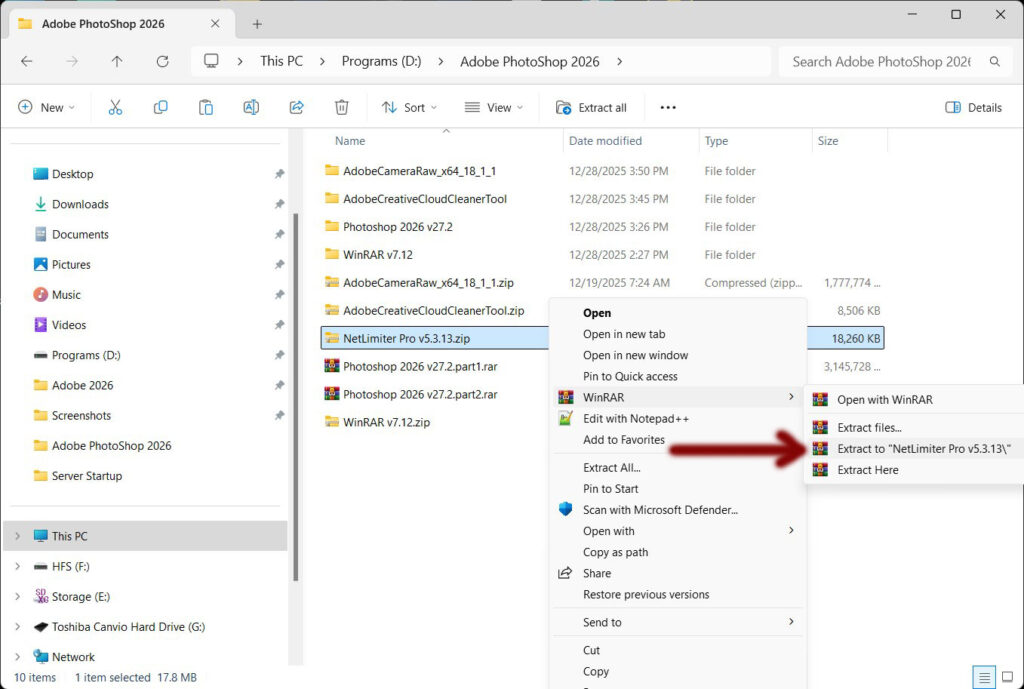
- Right Click on the zip file
- Click on “Extract to “NetLimiter Pro v5.3.13\”
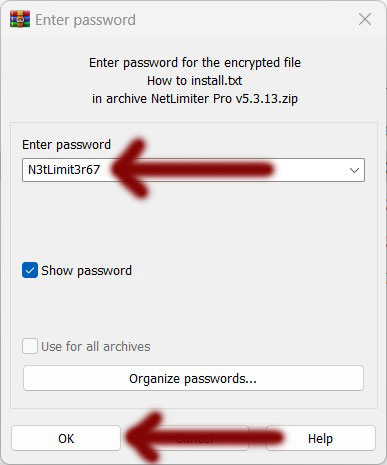
- New popup appears
- Password = N3tLimit3r67
- Click OK
- Open new folder “NetLimiter Pro v5.3.13“
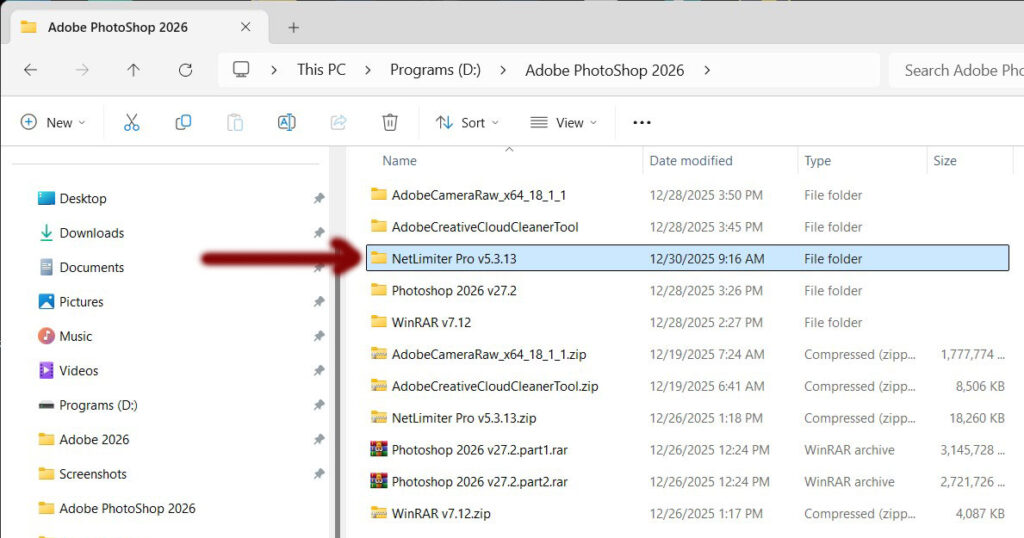
- Double Click on “netlimiter-5.3.13.0.exe“
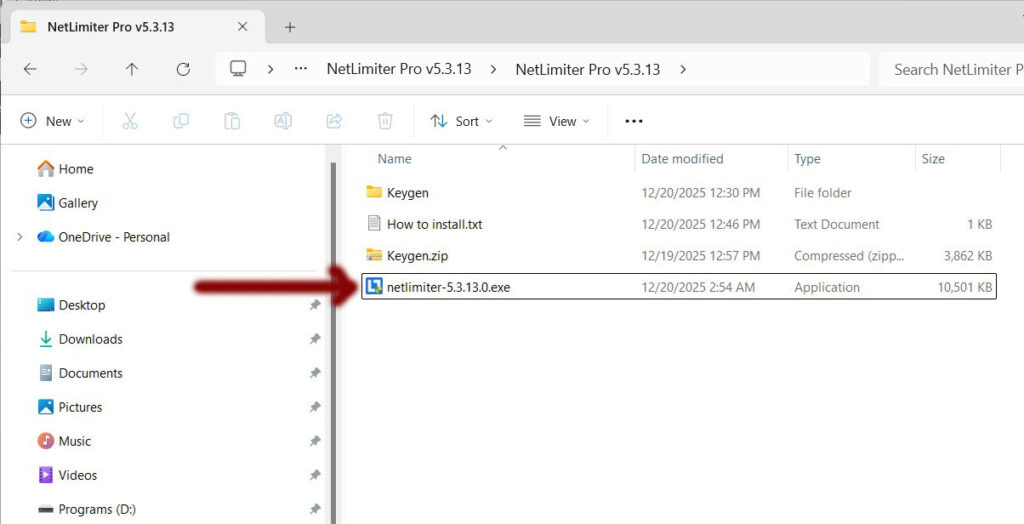
- Click on the box “I agree to the License terms and conditions.“
- Next click “INSTALL“
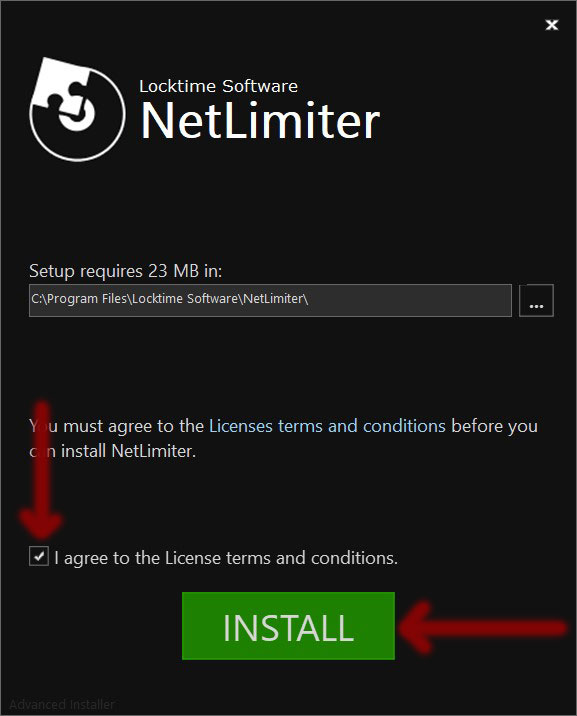
- Installing…
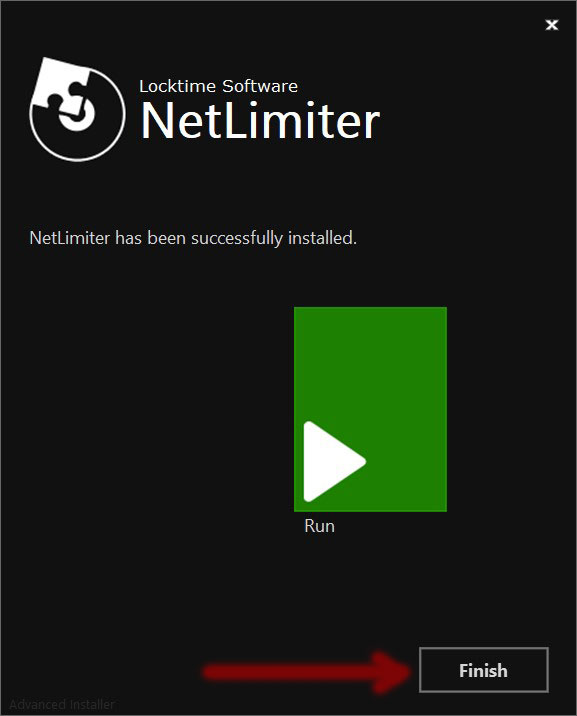
- Installation complete!
- Do Not Click “RUN“!!!
- Click “Finish“
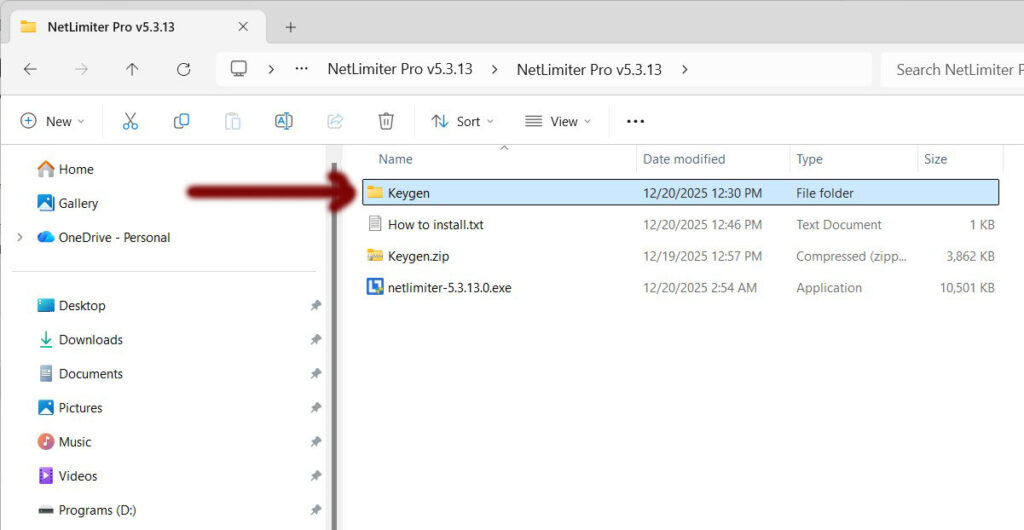
- Open the folder “Keygen”
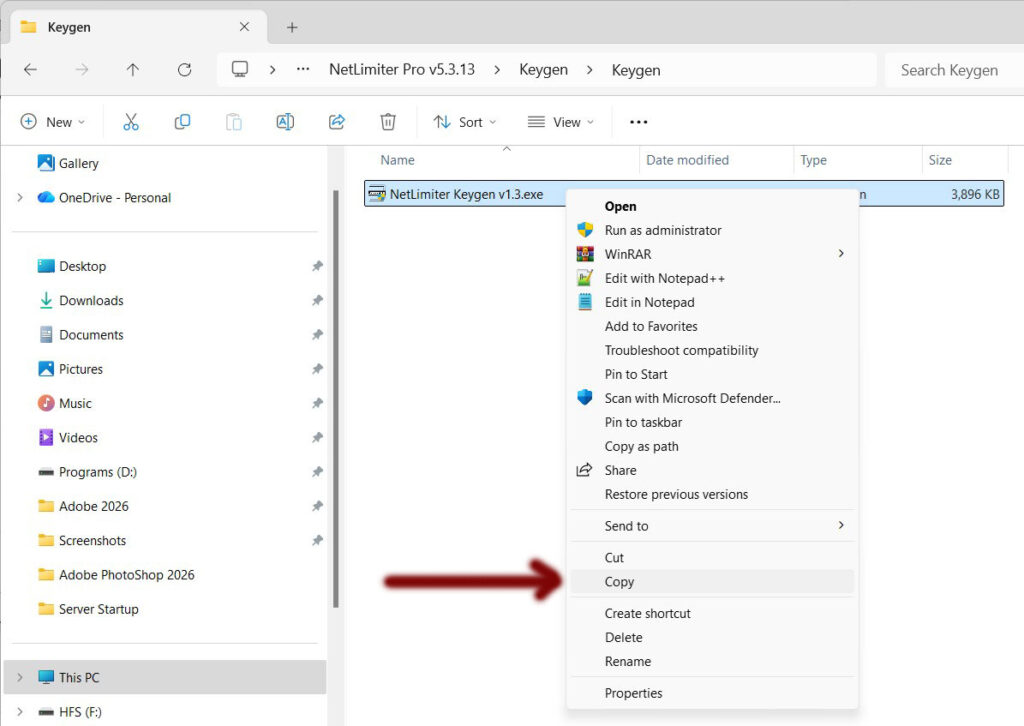
- Copy the file “NetLimiter Keygen v1.3.exe“
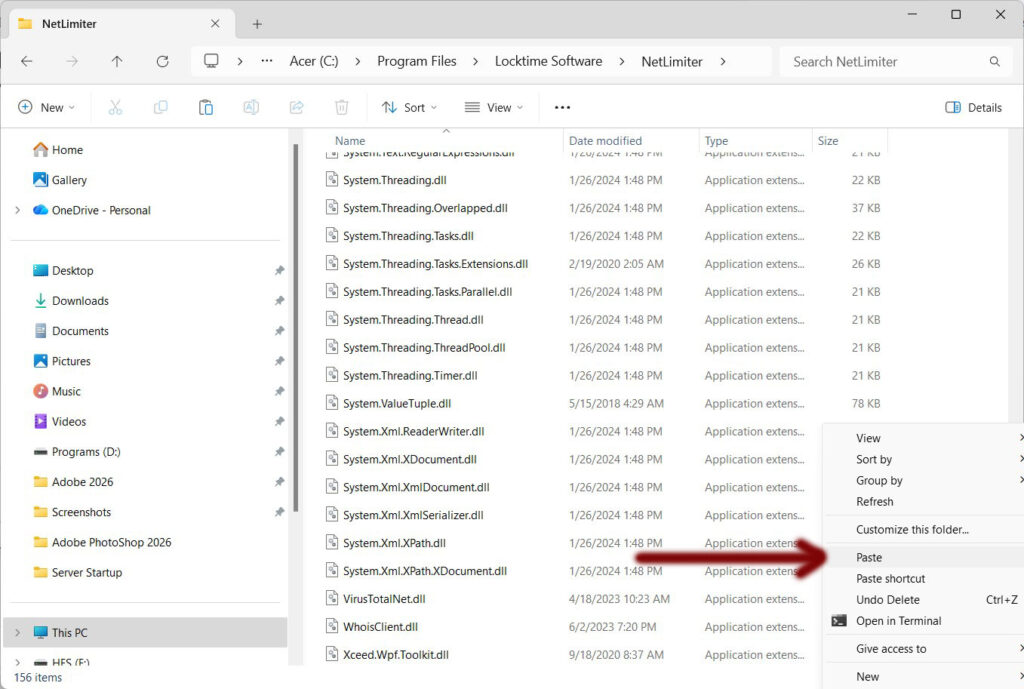
- Paste it to directory C:\Program Files\Locktime Software\NetLimiter
- New popup “You’ll need to provide administrator permission to copy to this folder“
- Click “Continue“
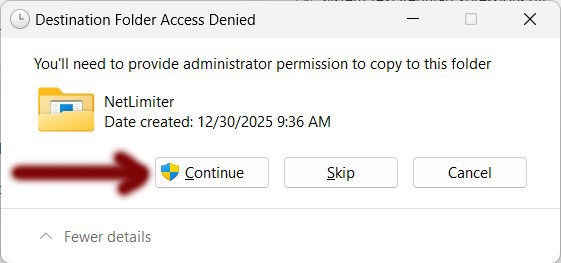
- Keygen is now copied over
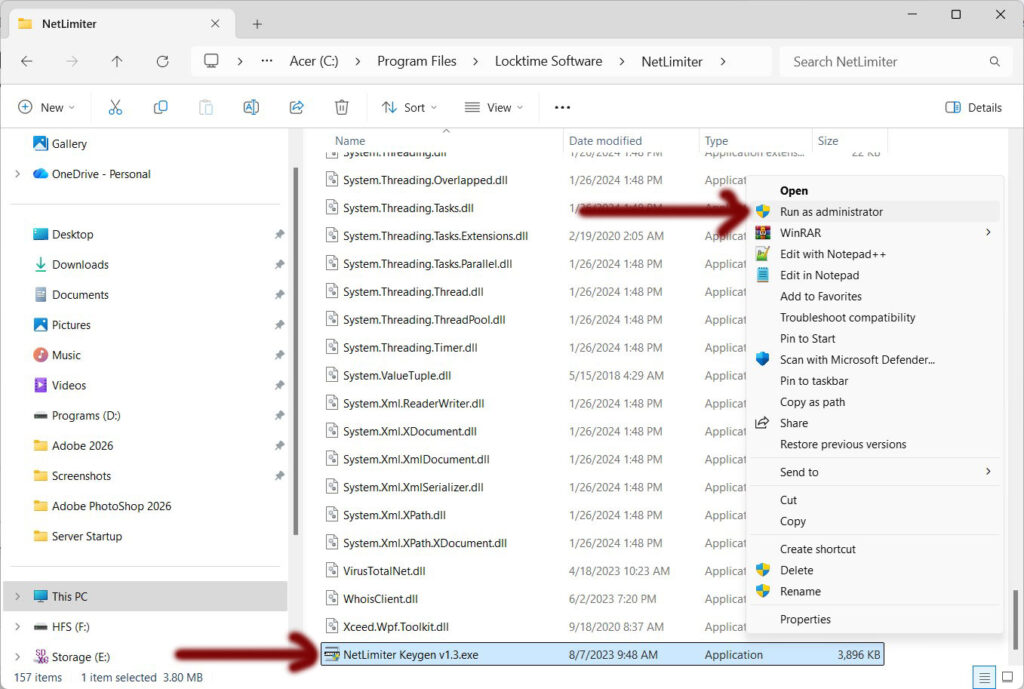
- Right Click on the file “NetLimiter Keygen v1.3.exe“
- Choose to “Run as administrator“
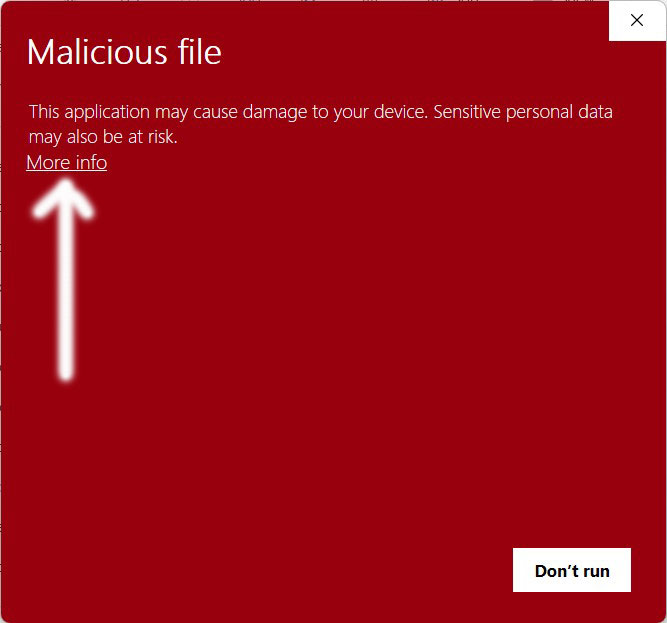
- New window appears “Malicious file“
- Click on “More info“
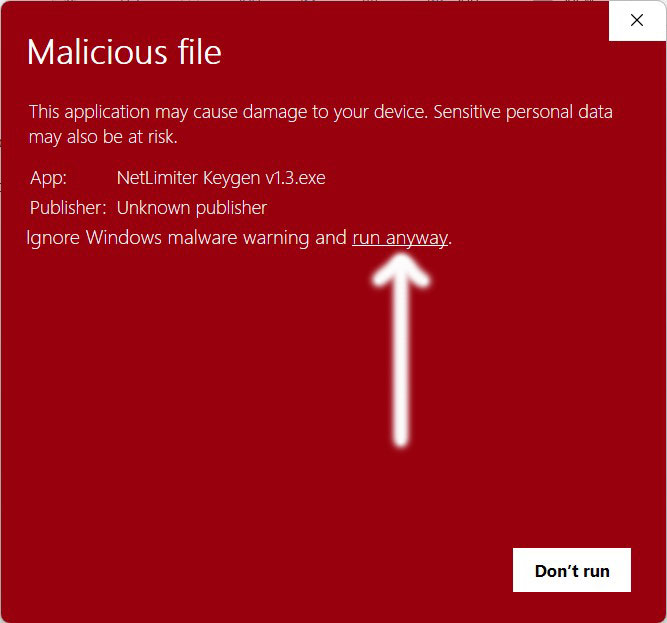
- Click on “run anyway“
- New window appears. This is the hacking tool.
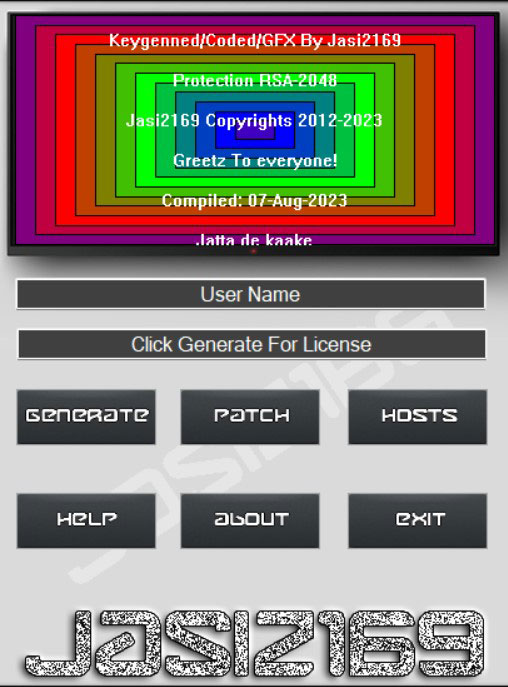
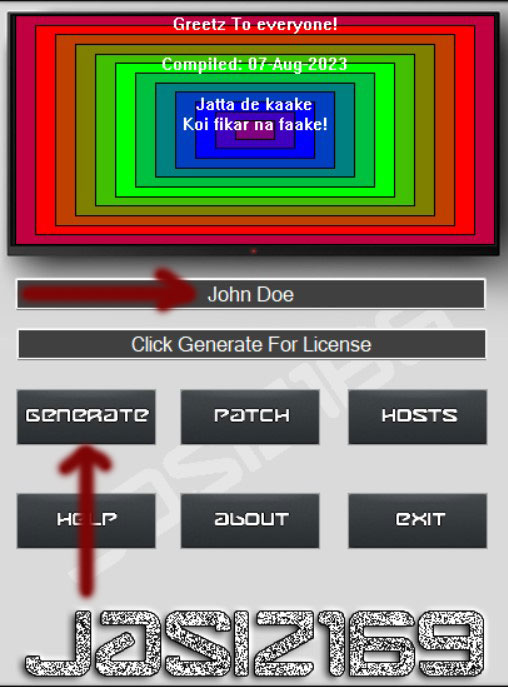
- Enter any name you want, then click “Generate“
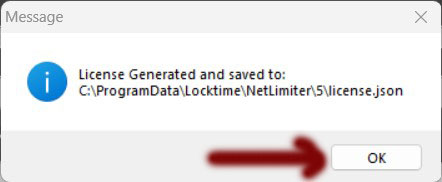
- New window appears “License Generated and saved to: C:\ProgramData\Locktime\NetLimiter\5\license.json“
- Click “OK”
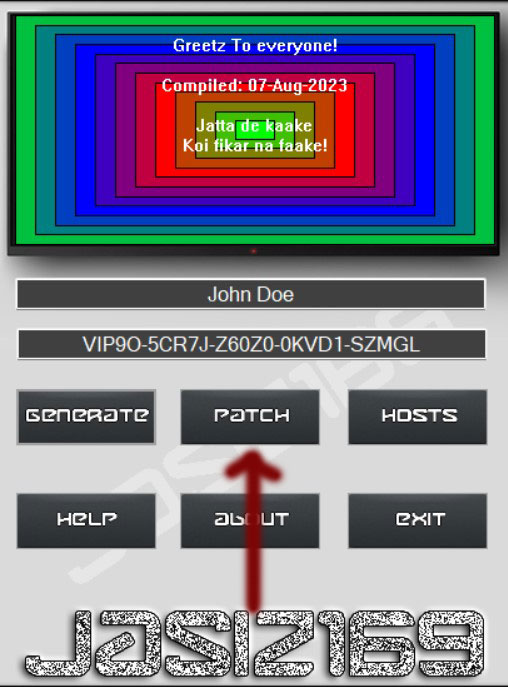
- Next…Click on “Patch“
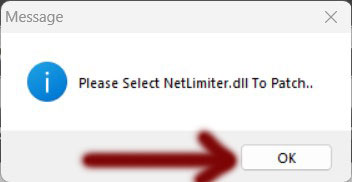
- New window appears “Please Select NetLimiter.dll To Patch.” Click “OK“
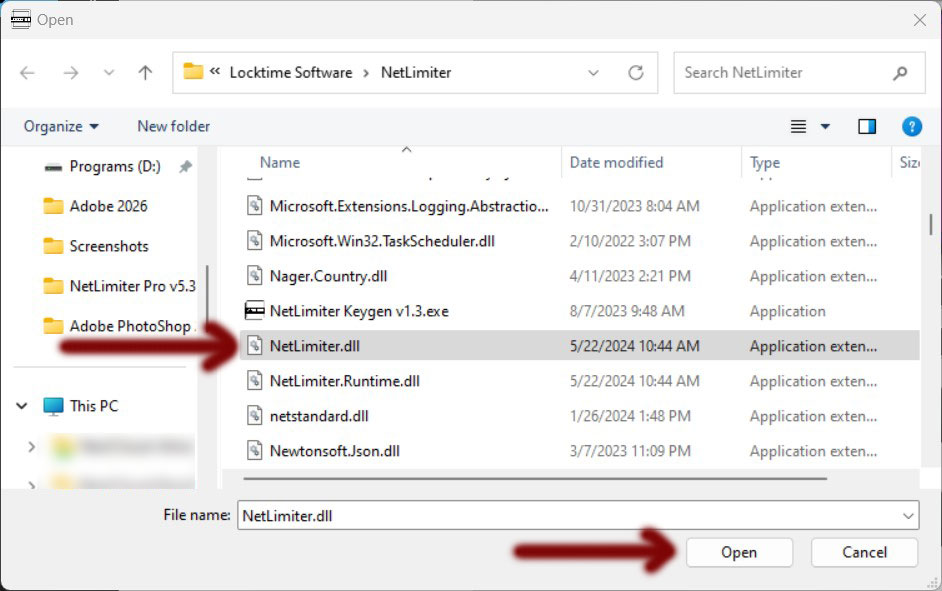
- New window appears. Find and select the file “NetLimiter.dll” and click “Open“
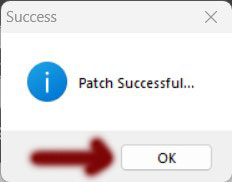
- New window appears “Patch Successful…” and click “OK“
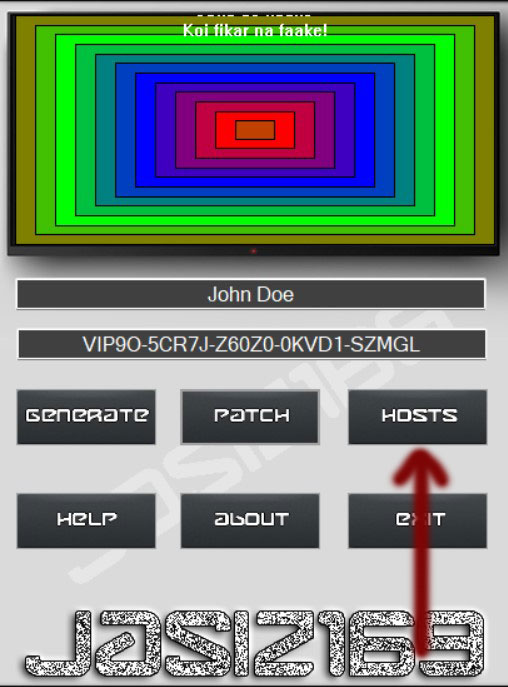
- Next..Click on “HOSTS“
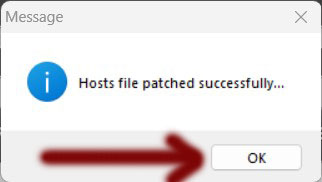
- New window appears “Hosts file patched successfully“
- Click “OK“
- Next click on “Exit“